JIDE Action Framework

Almost all applications need toolbars and a menu bar. These components are what the JIDE Action Framework is all about. It provides a much more sophisticated component called CommandBar, to replace both the JToolBar and the JMenuBar (the default Swing implementations). Most features available in Microsoft Office products relating to toolbars and menu bars, can be found in the JIDE Action Framework.

You can also choose a different style in the JIDE Action Framework. In the current release, we include the Office 2003 style, Visual Studio .NET style, Office XP style, Eclipse style, and even the Aqua style on Mac OS X. The default Metal style is in there too.
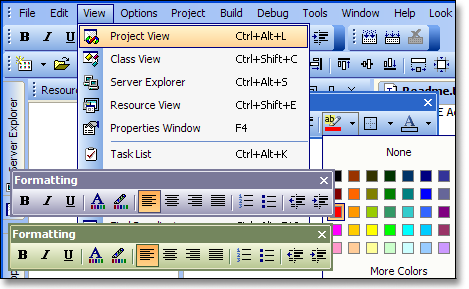
Features

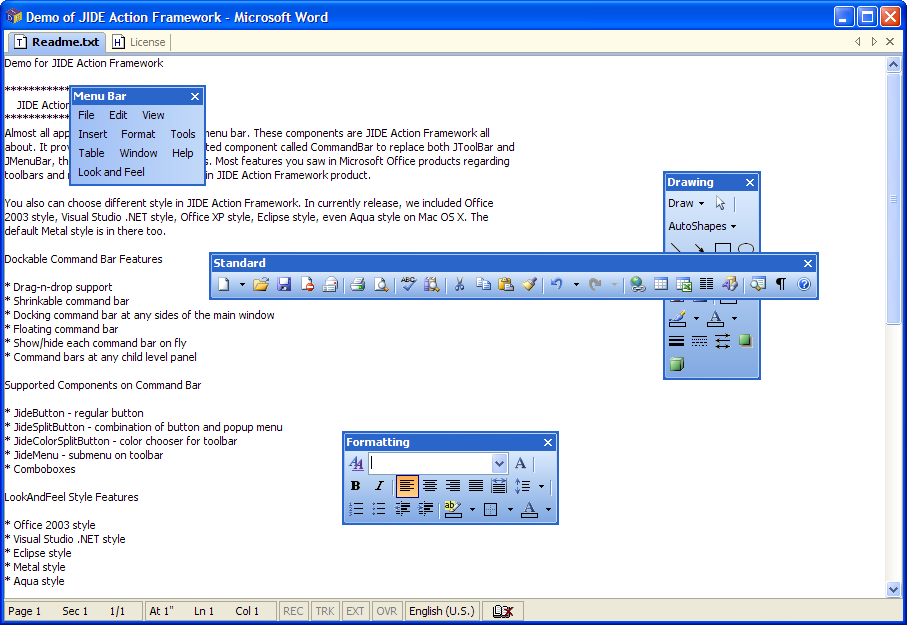
Dockable Command Bar Features

Drag-n-drop support
Shrinkable command bar
Docking command bar at any side of the main window
Floating command bar
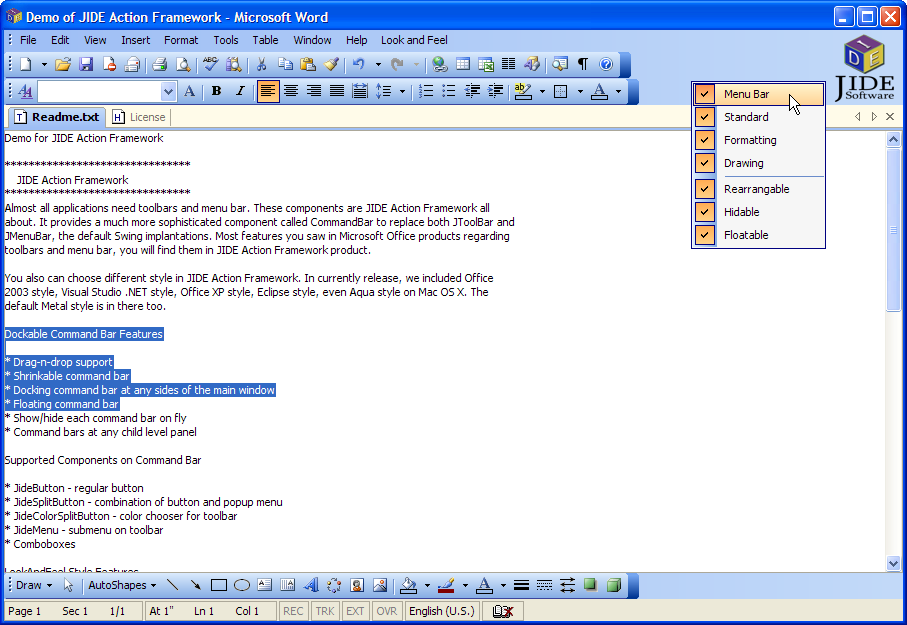
Show/hide each command bar on the fly
Command bars at any child level panel

Supported Components on the Command Bar

JideButton - regular button
JideSplitButton - combination of button and popup menu
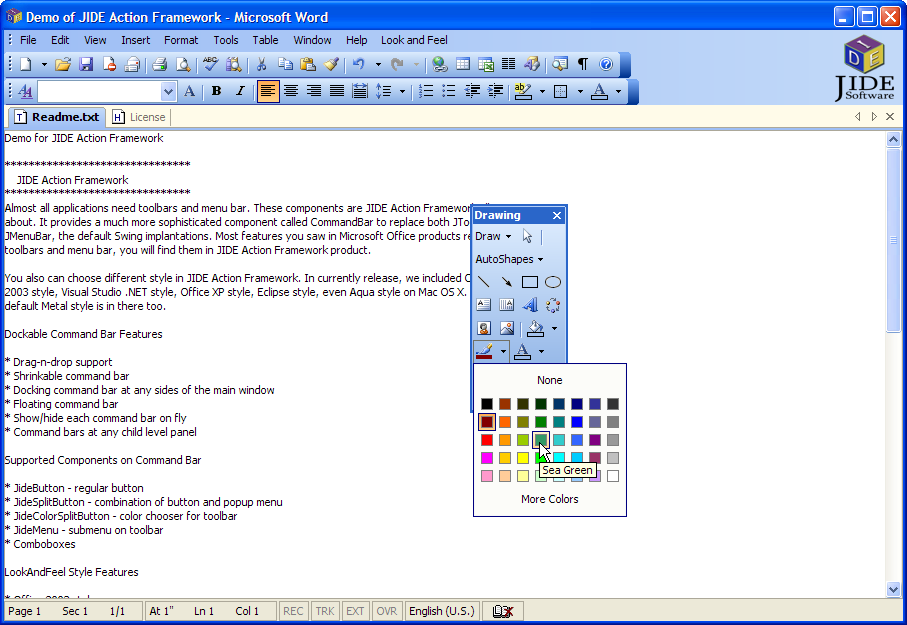
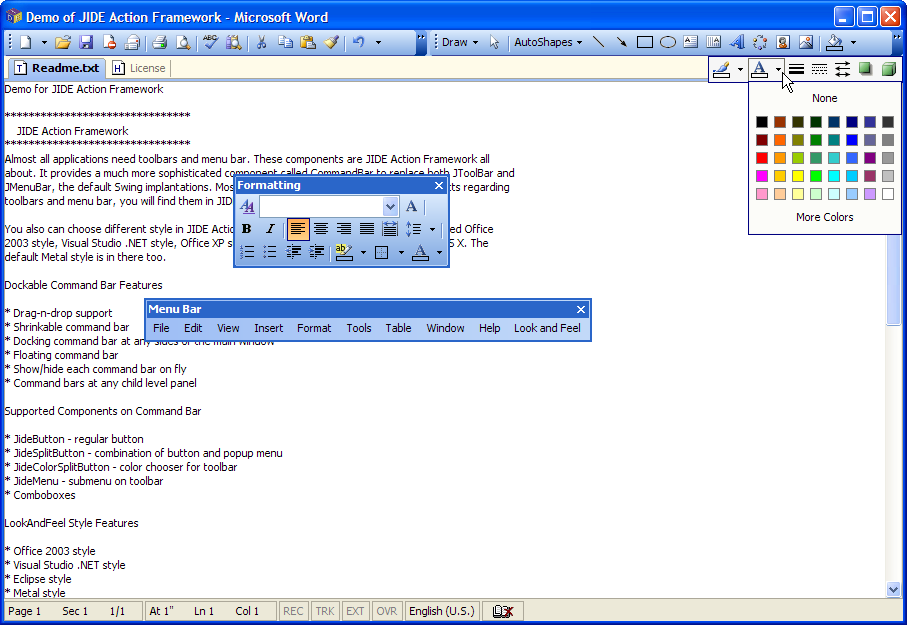
JideColorSplitButton - color chooser for toolbar
JideMenu - submenu on toolbar
Comboboxes

Look and Feel Style Features

Office 2003 style
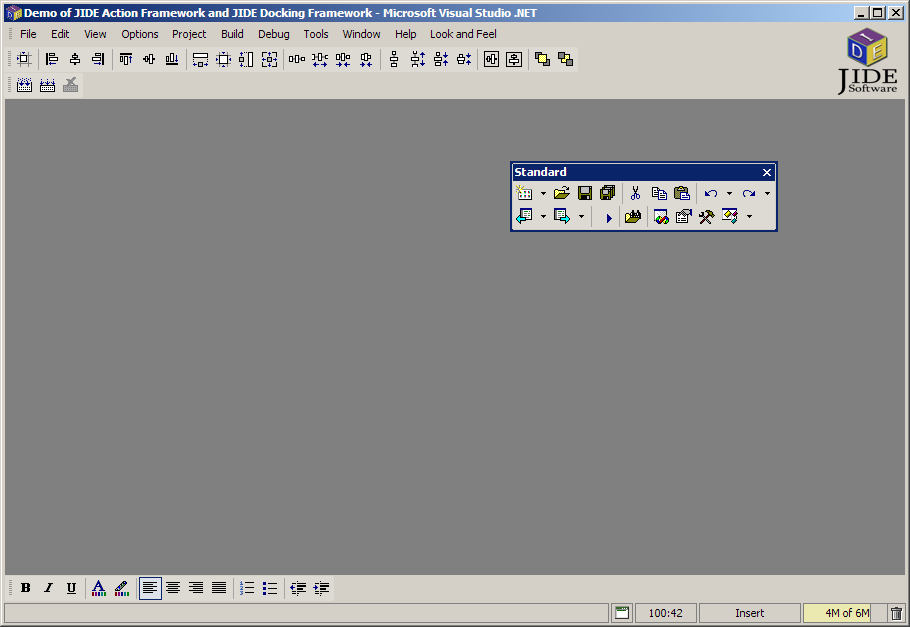
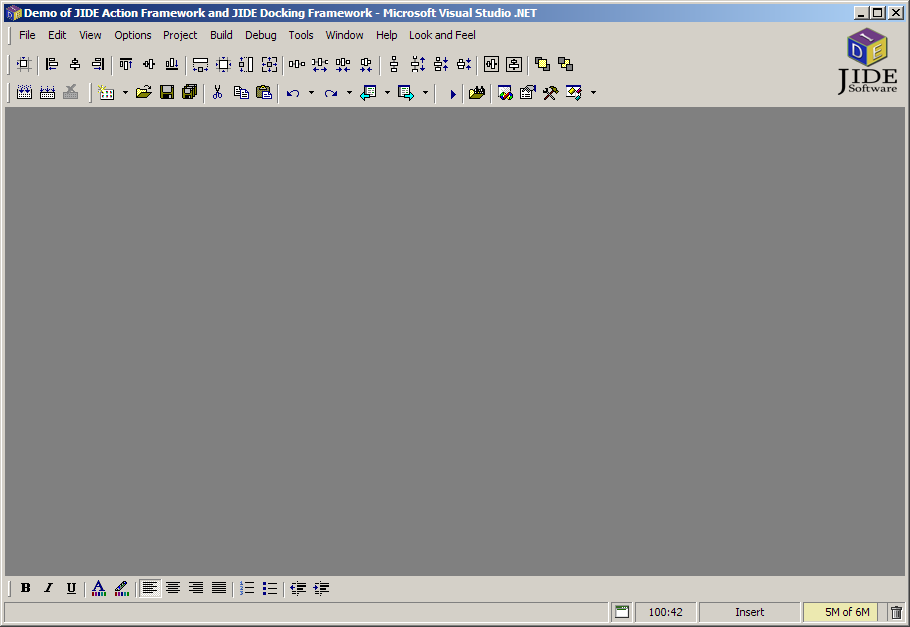
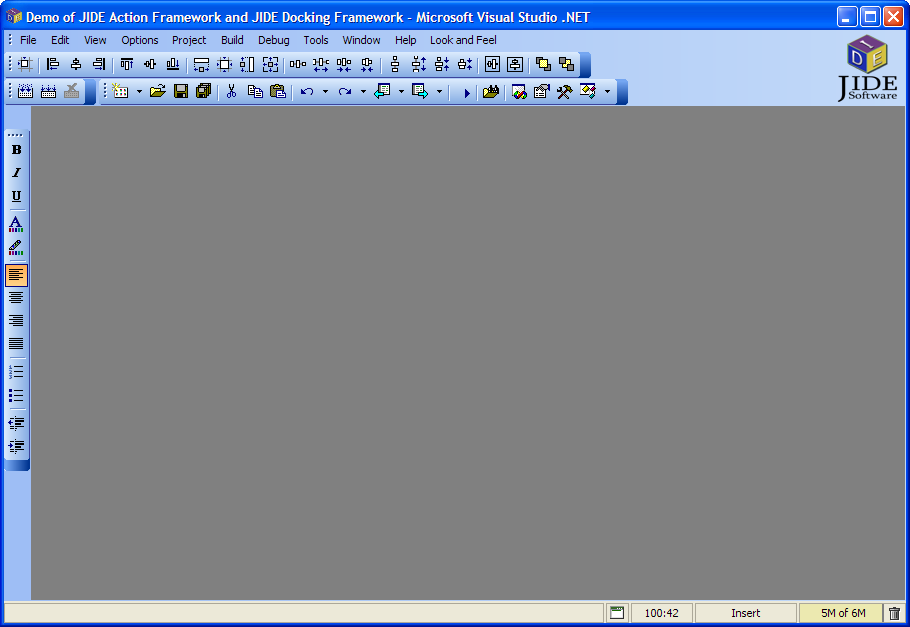
Visual Studio .NET style
Eclipse style
Metal style
Aqua style

Persistence Layout Features

Load and save layout using javax pref package
Load and save layout using file
Load and save layout using InputStream
List available layouts
Instantly switch layout
Single layout file for both action framework and docking framework

Screenshots


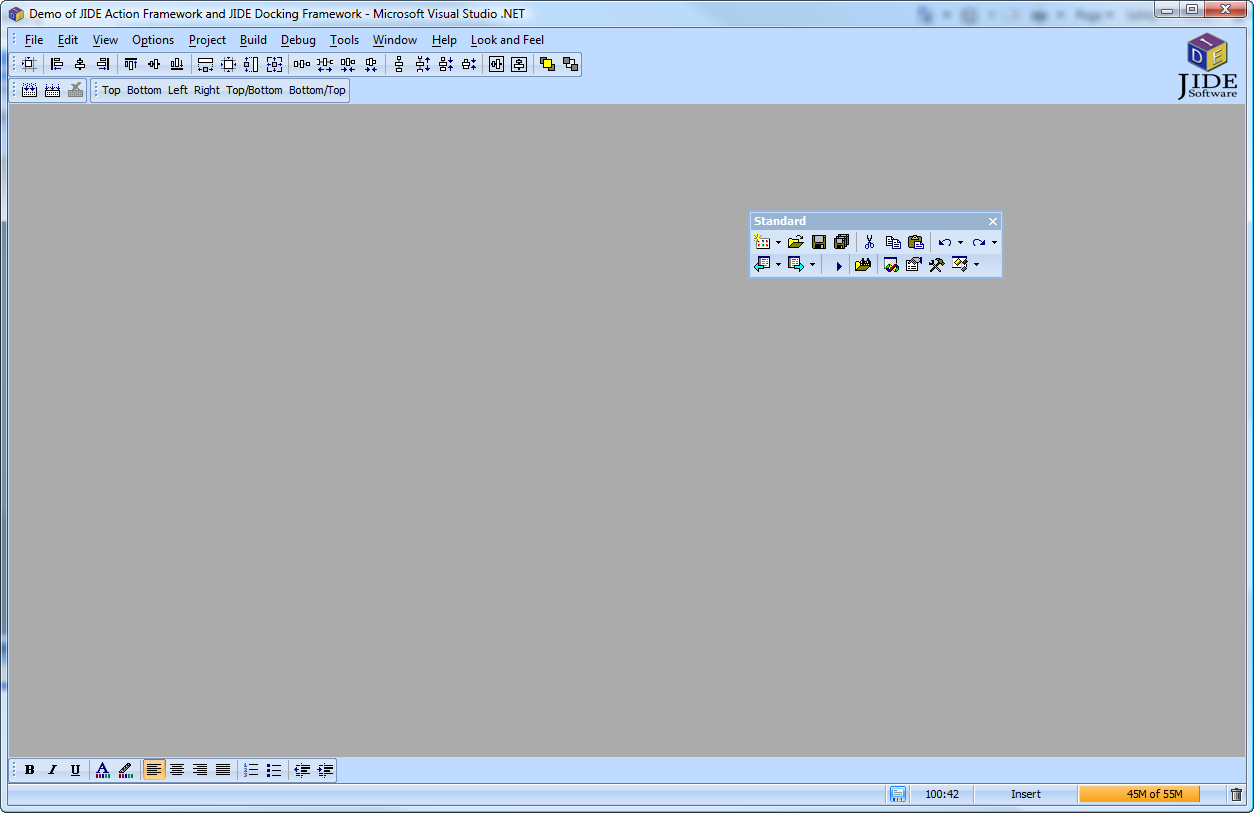
Office 2003 LookAndFeel
(Blue theme)


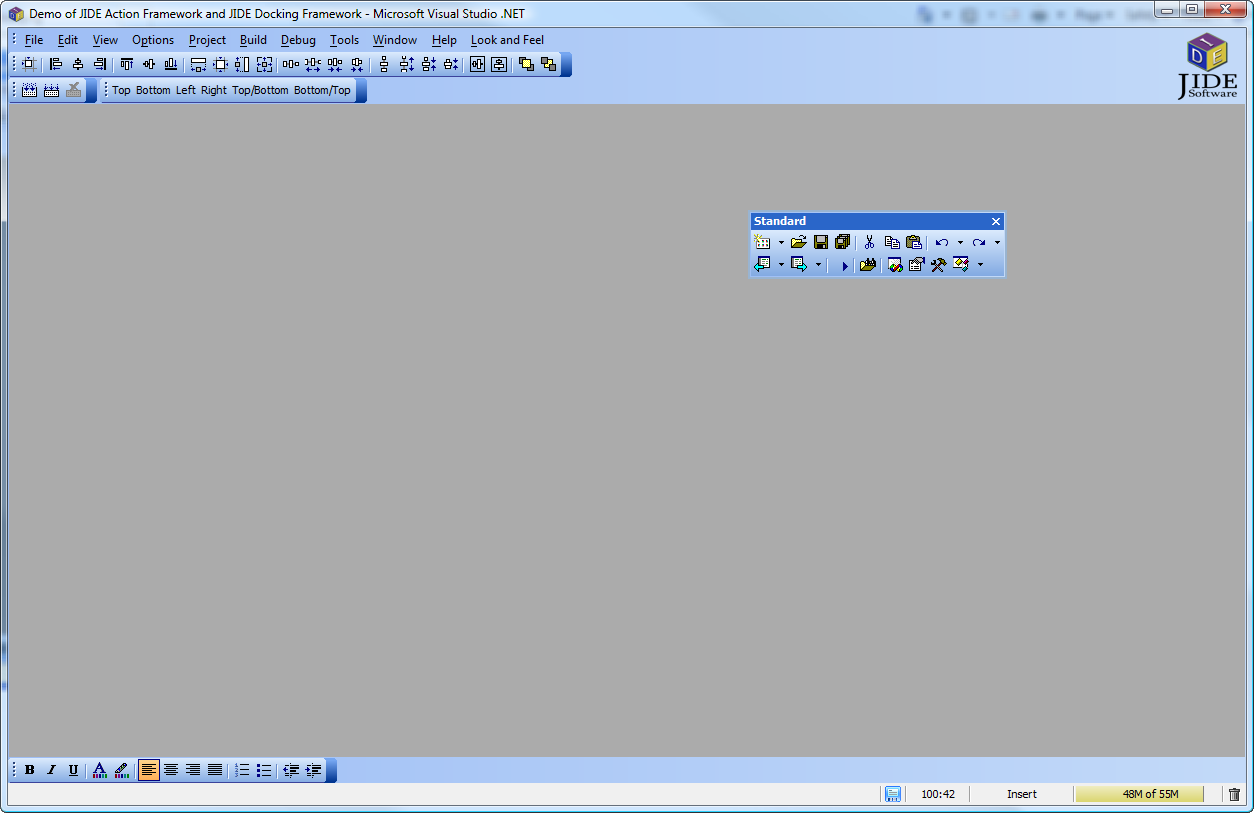
Office 2003 LookAndFeel
(HomeStead theme)


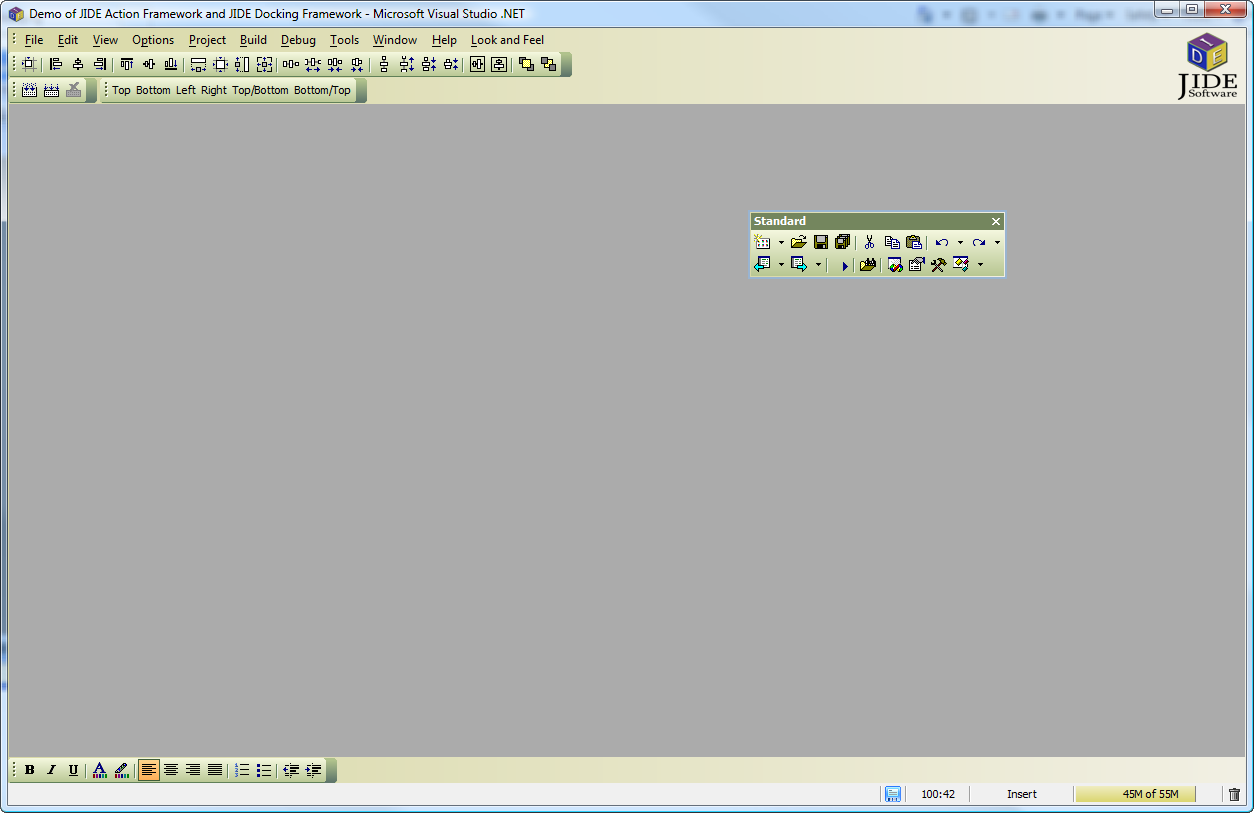
Office 2003 LookAndFeel
(Metallic theme)


Aqua LookAndFeel
(on Mac OS X)


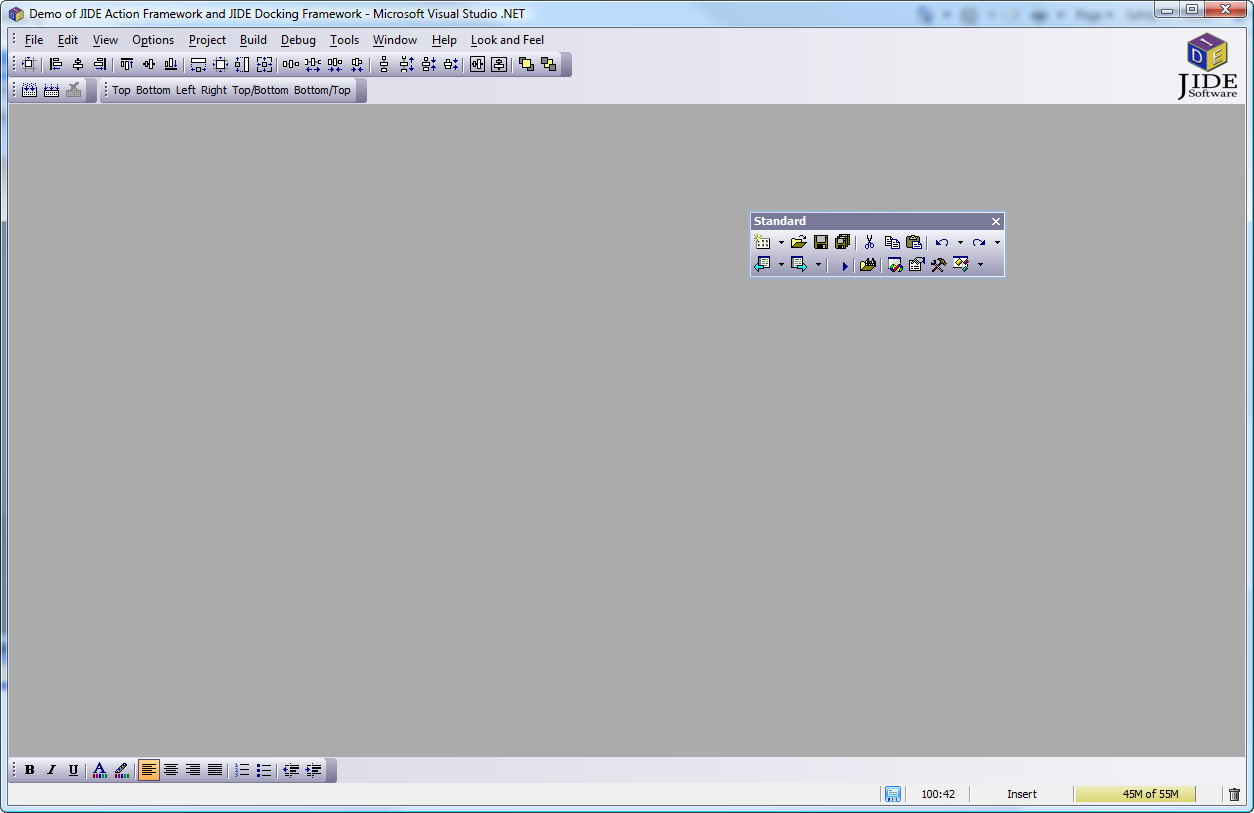
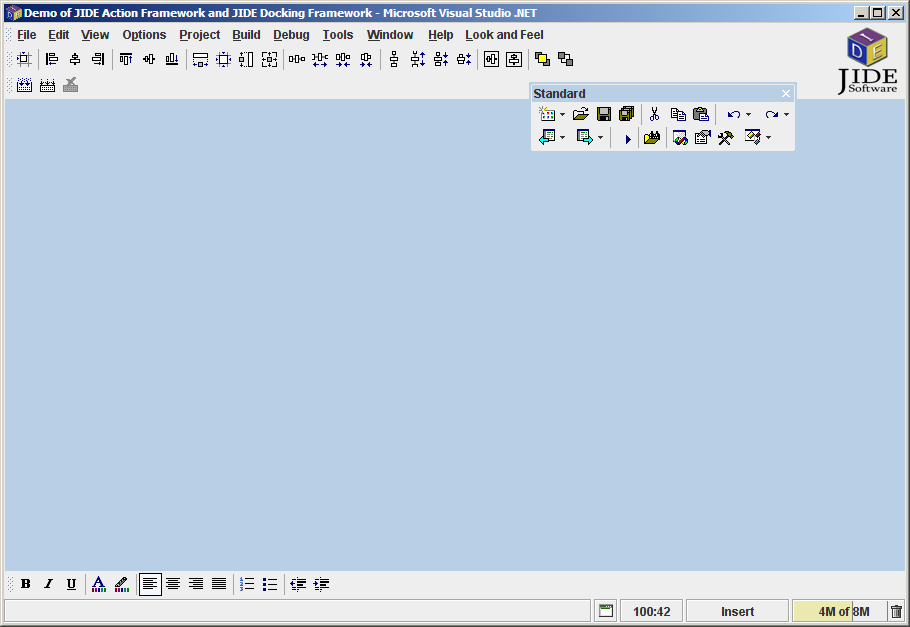
Windows LookAndFeel
(VS.NET style)


Widows LookAndFeel
(Eclipse style)


Metal LookAndFeel


Color Split Button


Floating Command Bar

Command Bar Chevron

Vertical Command Bar

Context Menu